

- Navigate to the 'Extensions' page and select the extension with a sidecar that needs to be updated.
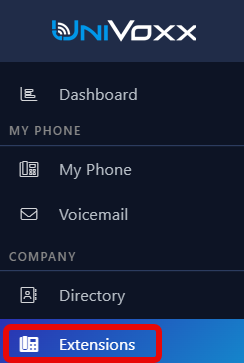
- Select the desired extension (It should be a GRP2615).
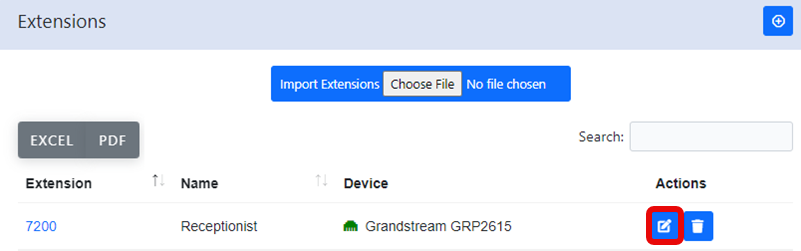
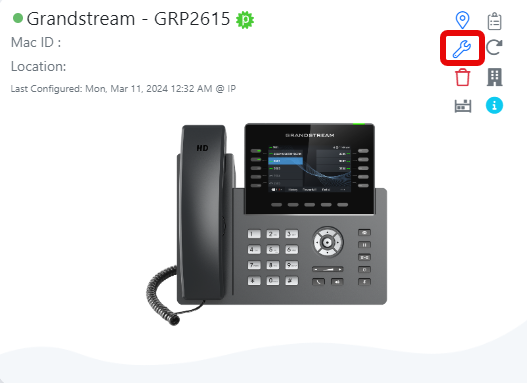
2)After selecting an extension, click the gear icon at the device option.
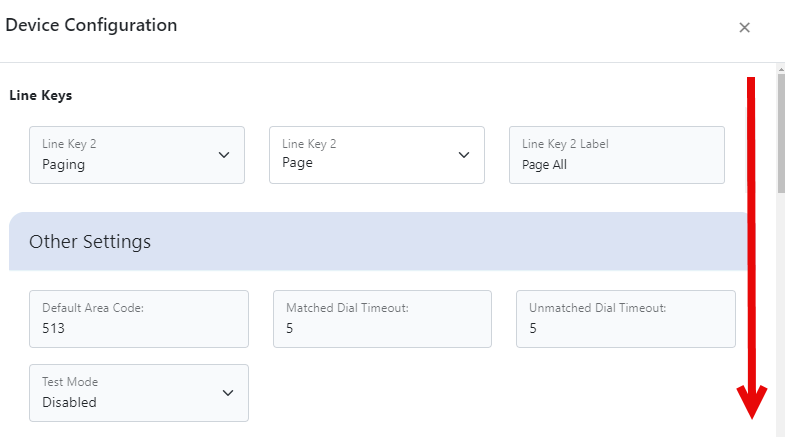
- Scroll down the device options until you see 'Accessory': Grandstream GBX20'.
- Select the '+' icon to add a sidecar.

- Select the option “Sidecar” to start configuring the line keys for the sidecar.
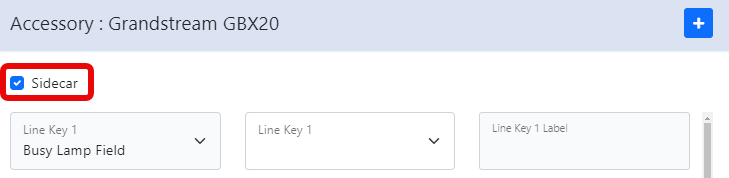
- Configure each line key. See Phone Settings & Configuration for a full description of each line key function.
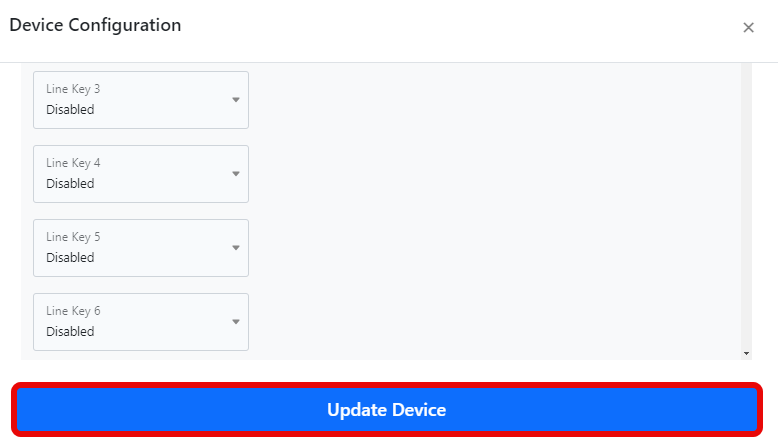
- Select 'Update Device' to save the configuration changes.
Still stuck?
This is the general version of this guide. Sign in to the customer portal for guides written for your system, deeper troubleshooting and your support history, or reach our team directly.