

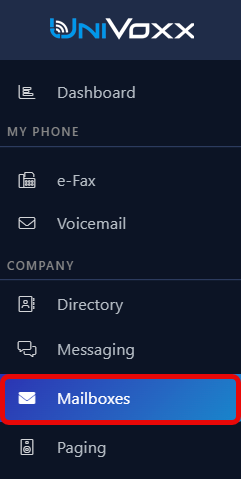
- In the UniVoxx portal, navigate to the "Mailboxes" page.
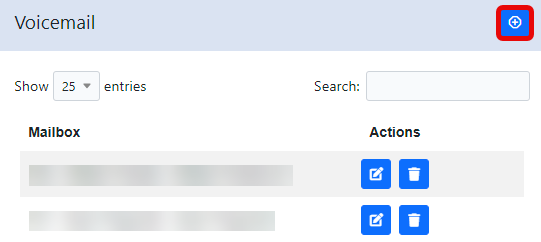
- Select the "Add" icon.
- Configure the various settings and select "Save". See this article on what each setting does.
- This mailbox can now be routed from a ring group, greeting, extension, etc.
Still stuck?
This is the general version of this guide. Sign in to the customer portal for guides written for your system, deeper troubleshooting and your support history, or reach our team directly.