

Forgot Password
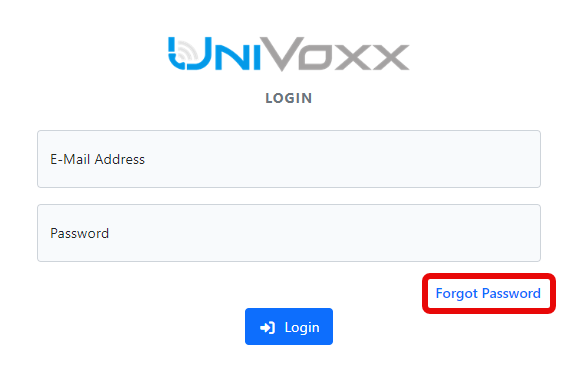
- At the login page, select 'Forgot Password'.
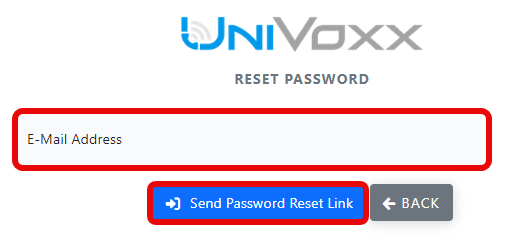
- Enter your login email address and select 'Send Password Reset Link'.
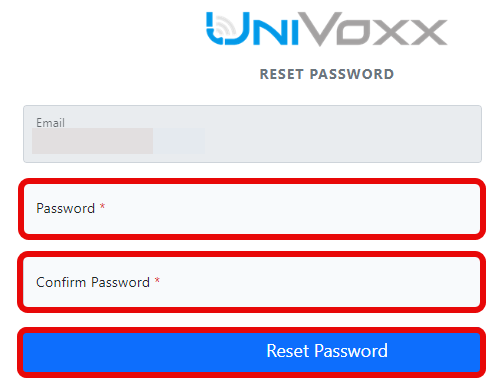
- Set a new password.
Change Password
- Log in to https://portal.univoxx.com/
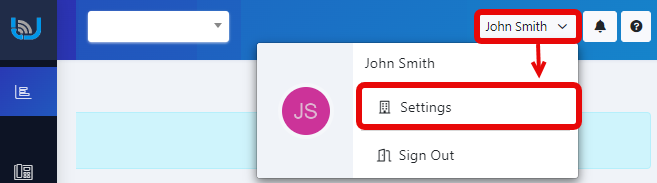
- Access your user settings.
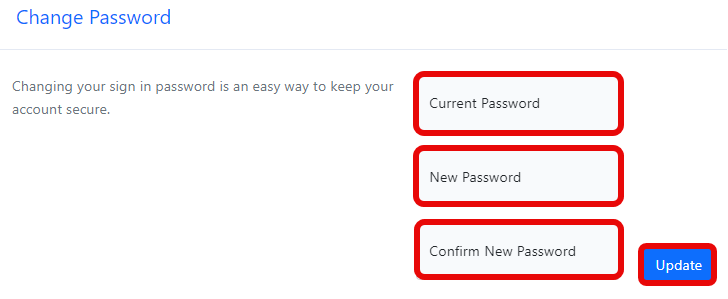
- Scroll down to the 'Change Password' section.
Still stuck?
This is the general version of this guide. Sign in to the customer portal for guides written for your system, deeper troubleshooting and your support history, or reach our team directly.