

Portal
- Login to the UniVoxx portal.
- Navigate to the Extensionspage by selecting the
 icon.
- Select the extension you want you change the voicemail greeting on.
- Select the
 icon on the configuration page for the extension.
- Type out or edit the greeting you want under the Generate Recording tab.
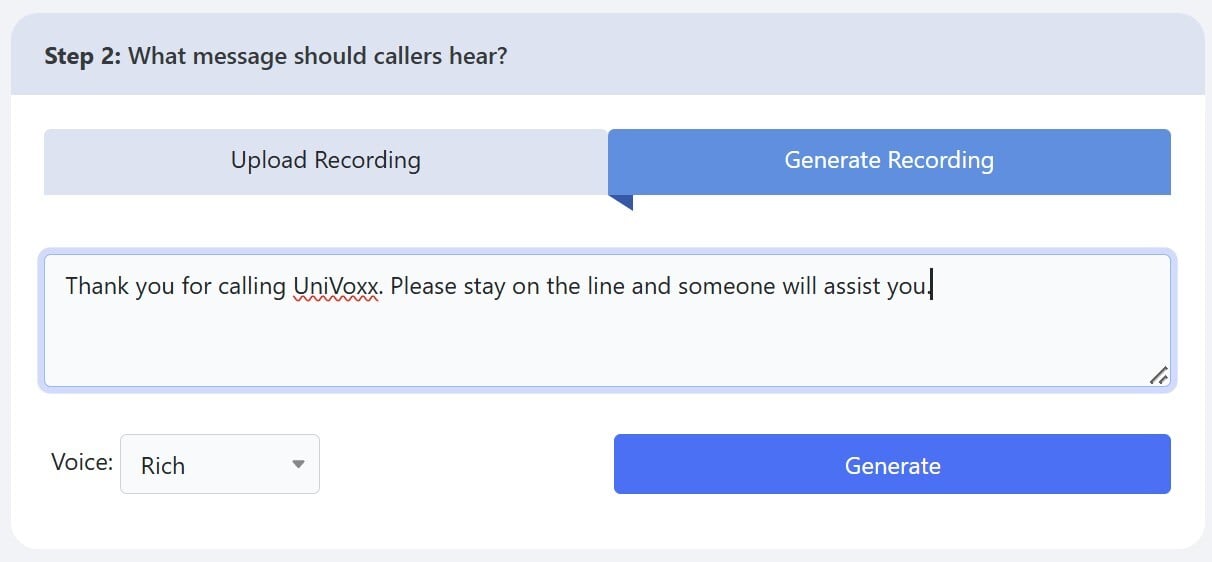
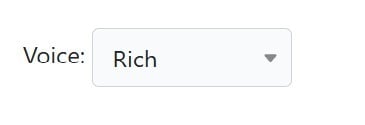
- Select the type of voice you want for the greeting.
- Once you have the greeting text entered and the voice chosen, select the
 icon under the greeting prompt.
- Select the
 icon at the bottom of the voicemail box.
- Select the icon on the extension page to complete the changes.
Phone Prompts
How to change voicemail greeting:
First, press the voicemail button, or dial *97
Enter your voicemail PIN, then press the pound key
Dial 5 for advanced options
Press 1 to record a new voicemail recording
Press any key to stop recoding
Press 2 to save greeting
Press 2 chose greeting
Press the key for the greeting you recorded
The recorded greeting will be saved
Still stuck?
This is the general version of this guide. Sign in to the customer portal for guides written for your system, deeper troubleshooting and your support history, or reach our team directly.