

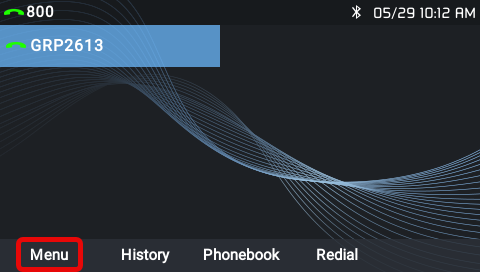
- Navigate to the Menu on the phone.
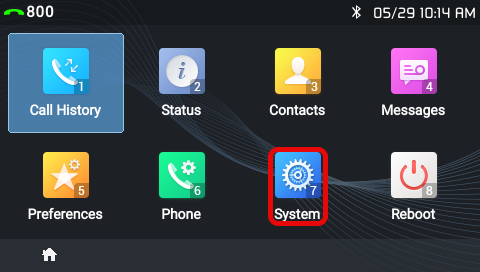
- Navigate to the System.
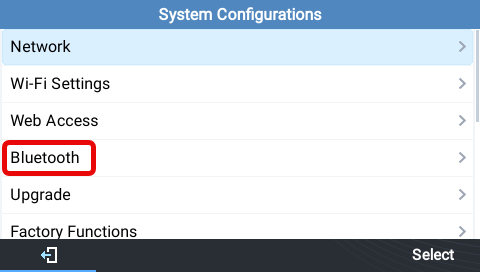
- Select the Bluetooth option.
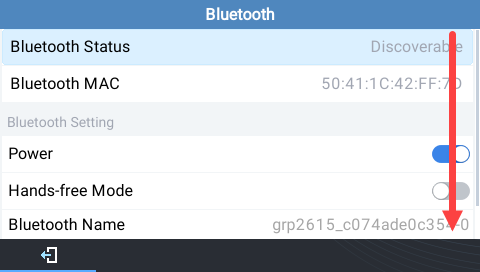
- Scroll to the bottom of the page and select Start Scan.
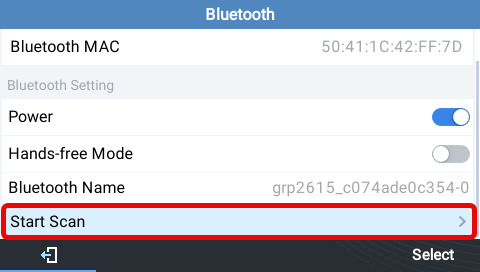
- While the phone is scanning, put the headset in pairing mode. Consult the headsets manual.
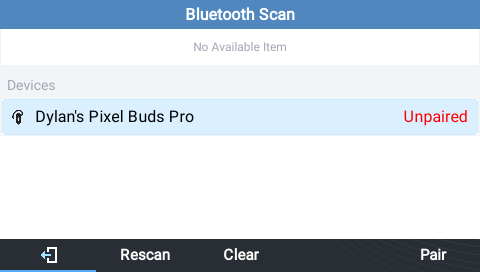
- When you see the headset appear on the phone's scanning screen, select Pair.
- Make a test call to confirm the headset is working.
Still stuck?
This is the general version of this guide. Sign in to the customer portal for guides written for your system, deeper troubleshooting and your support history, or reach our team directly.